How it works
Every screen, end to end.
Scan the receipt, pick how it splits, tap who was there. Here is the whole app scrolling past. Hover to stop on one.
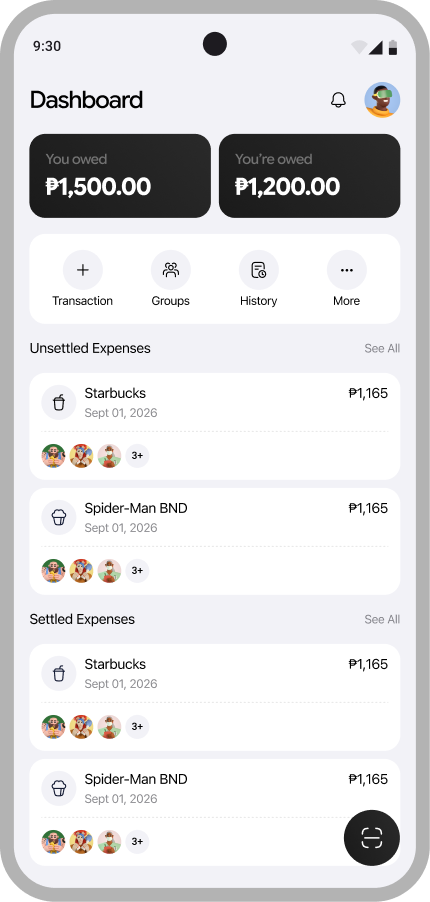
Dashboard
What you owe and what you are owed, up top.
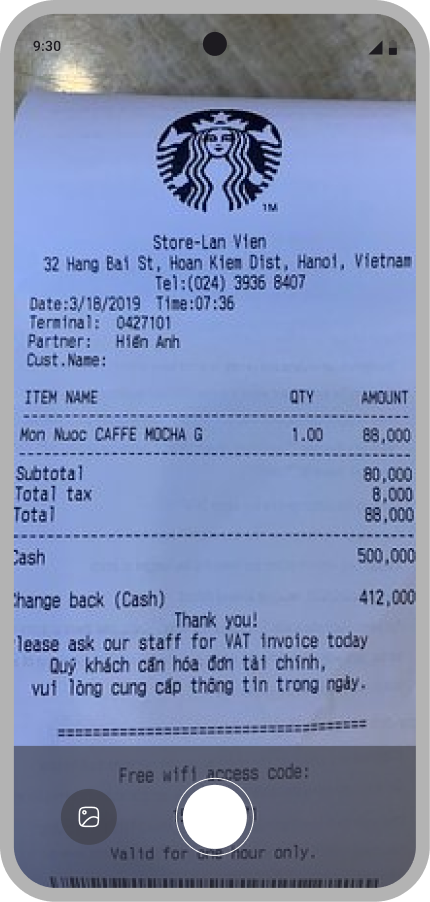
Scan the receipt
Point the camera at the bill, or pick a photo.
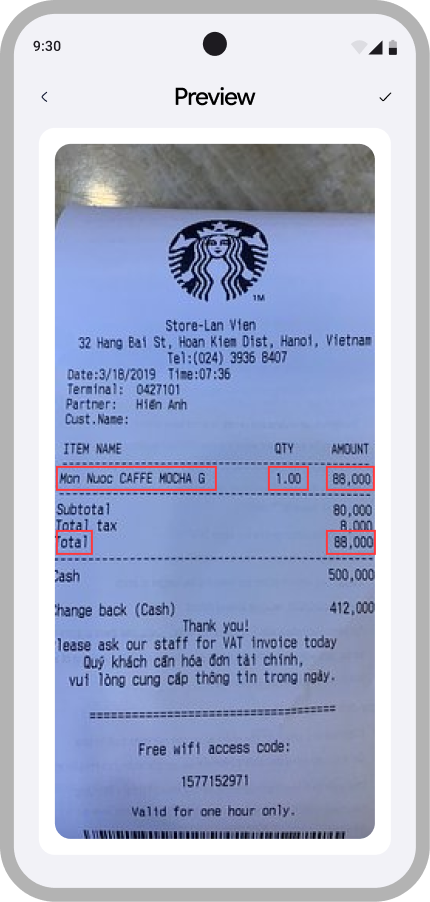
Tap the total
Text is recognized on-device. Tap the line you want.
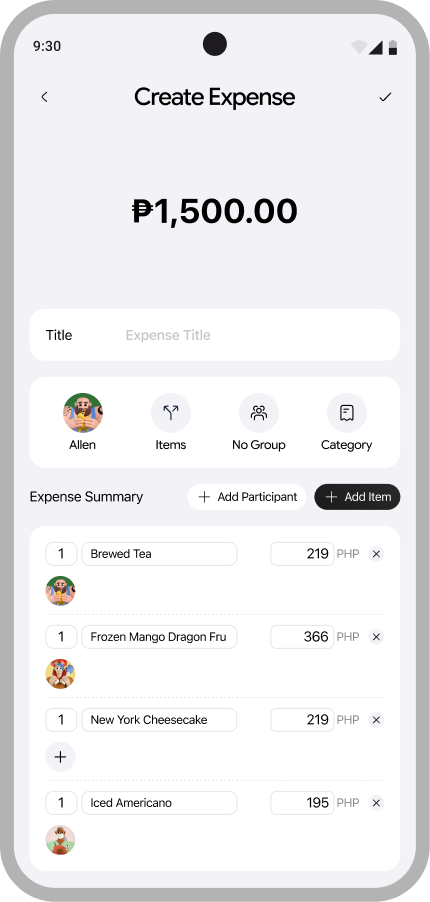
Split per item
Assign each line to whoever ordered it.
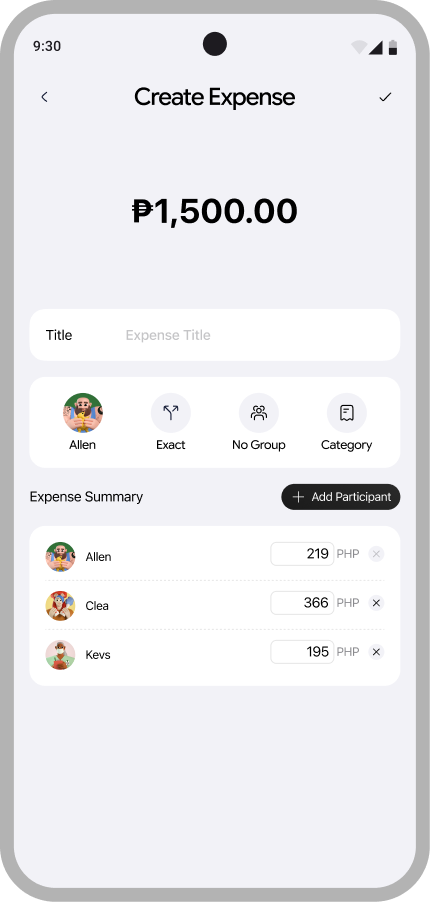
Split by exact amounts
Type fixed shares when the split is not even.
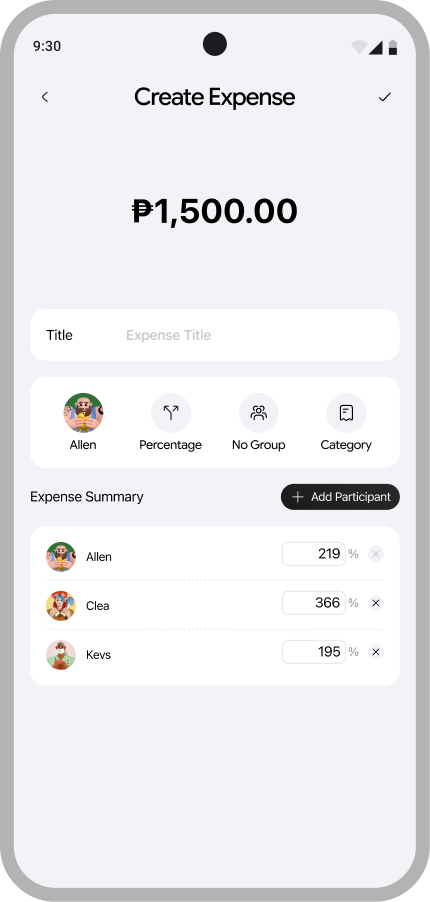
Split by percentage
Or hand out percentages instead.
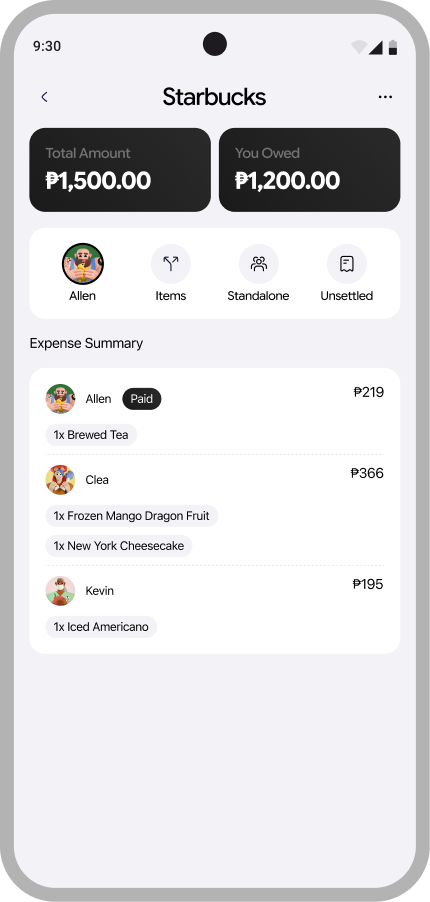
Expense details
Who paid, who owes, and what they ordered.
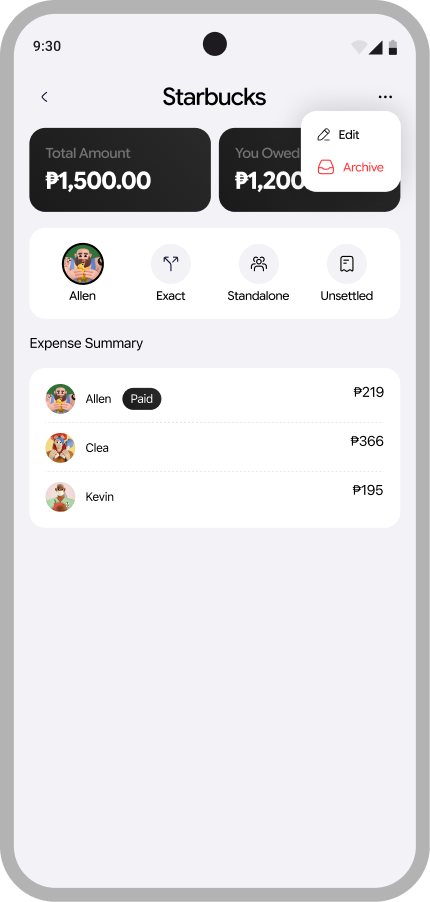
Edit or archive
Cancelled expenses stay in the history.
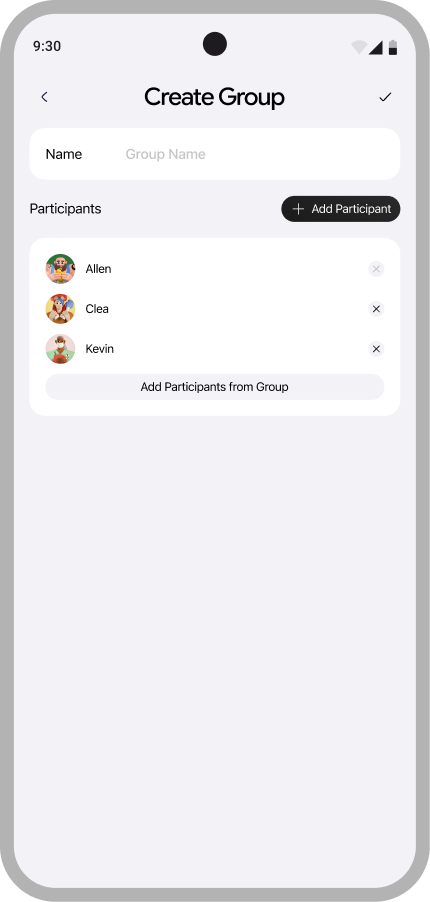
Create a group
Name it, add people, reuse it every time.
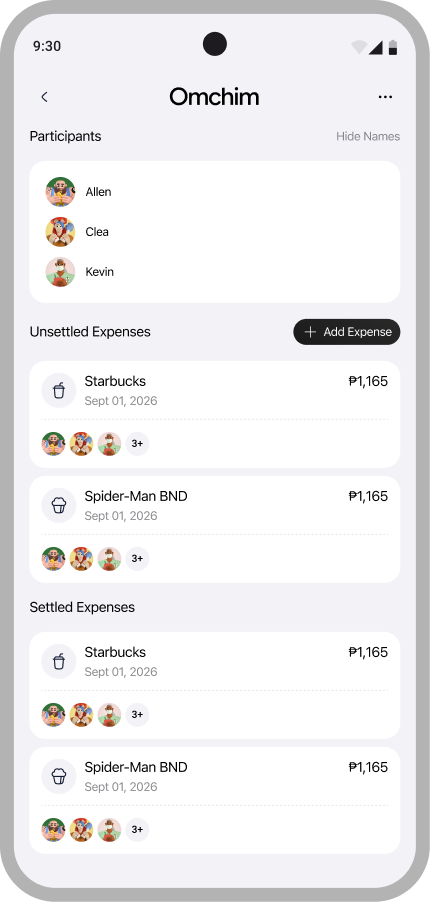
Group details
Participants and the group's running expenses.
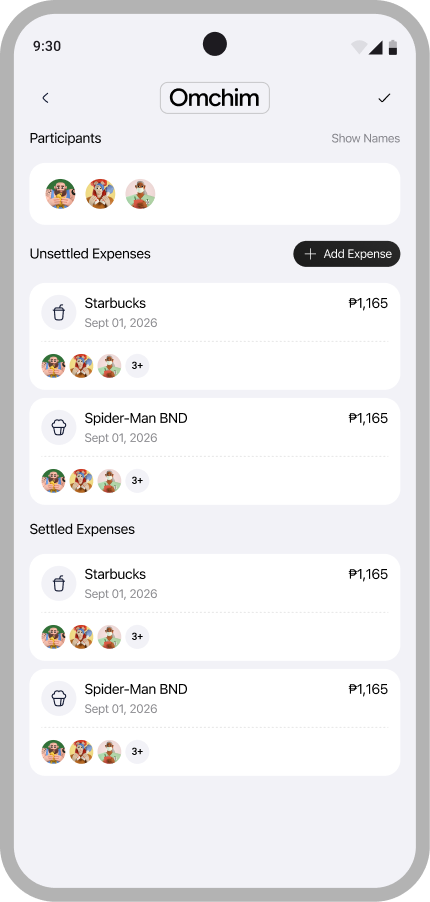
Settled and unsettled
Each group keeps its own two piles.
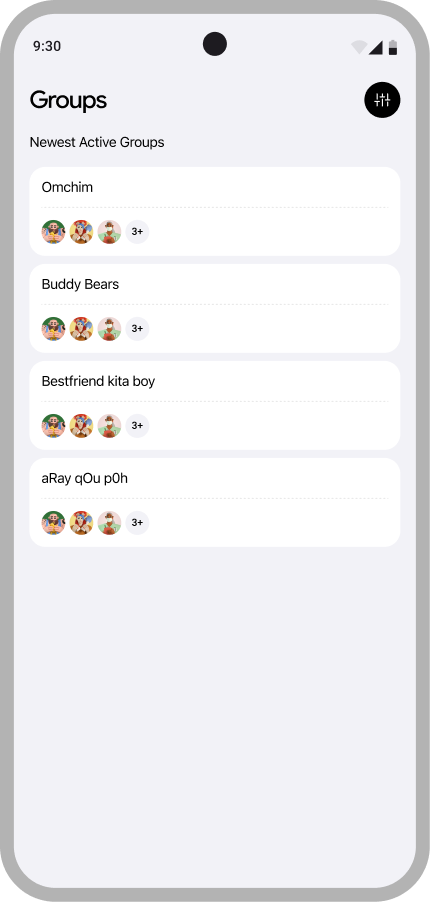
Your groups
House, barkada, trip. All in one list.
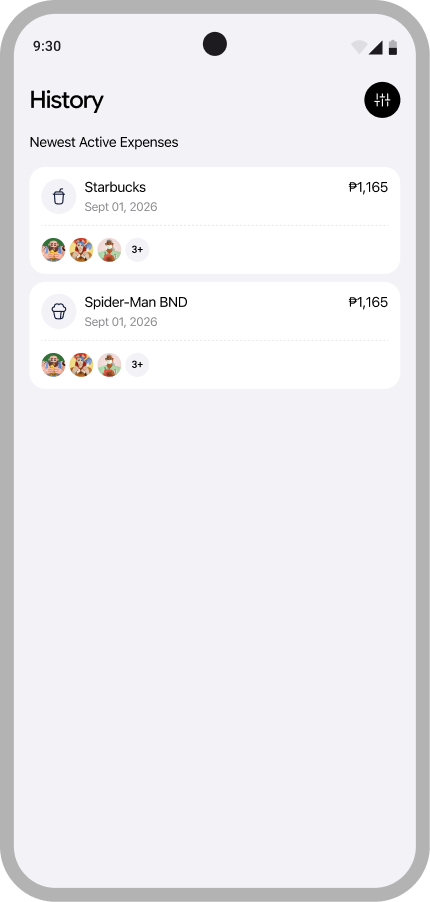
History
Every expense you have been part of, filterable.